TIE Fighter Commenting /*/
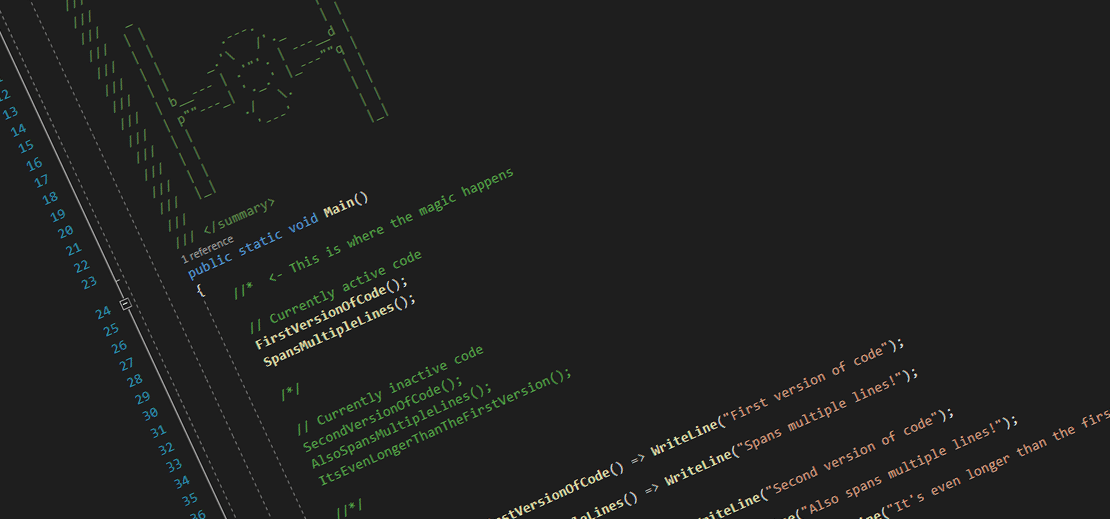
Problem
Say you had written one piece of code and wanted to try an alternative version. Normally you would probably comment out all your initial code, and then write the new code below like this:
1
2
3
4
5
6

//FirstVersionOfCode();
//SpansMultipleLines();

SecondVersionOfCode();
AlsoSpansMultipleLines();
ItsEvenLongerThanTheFirstVersion();
Wanting to run the old code again, you comment out the new code and remove the comments from the first version:
1
2
3
4
5
6

FirstVersionOfCode();
SpansMultipleLines();

//SecondVersionOfCode();
//AlsoSpansMultipleLines();
//ItsEvenLongerThanTheFirstVersion();
This is all fine to begin with. But at some point it gets frustrating to go back and forth between adding and removing comments on multiple lines, each time you want to switch to the other piece of code.
What if I told you that there is an easy way to toggle between the two pieces of code, simply by adding or removing a single character each time? Yes, a single character, regardless of how long your code is!
Solution
Let’s consider the example from above, but with some new comments instead:
1
2
3
4
5
6
7
8
9
10
11
12
13
14

//*

// Currently active code
FirstVersionOfCode();
SpansMultipleLines();

/*/

// Currently inactive code
SecondVersionOfCode();
AlsoSpansMultipleLines();
ItsEvenLongerThanTheFirstVersion();

//*/
To toggle which version of the code is active, we simply remove the first slash /:
1
2
3
4
5
6
7
8
9
10
11
12
13
14

/*  <- This is where the magic happens

// This code is now inactive
FirstVersionOfCode();
SpansMultipleLines();

/*/

// This code is now active
SecondVersionOfCode();
AlsoSpansMultipleLines();
ItsEvenLongerThanTheFirstVersion();

//*/
To toggle back, you simply add the slash / back again.
Explanation
Okay, so what is happening here?
We are actually exploiting how single- and multi-line comments are interpreted.
Notice how we have two nested multi-line comments;
the TIE fighter comment /*/ on line 7 acts as the end of the first multi-line comment,
and the start of the second multi-line comment.
In the last example, the comment spans from the top to the middle, but in order to avoid a dangling end comment */,
the last line is prefixed with double slashes //, turning that line into a single-line comment.
When we add the slash / back into the first line, the start tag of the multi-line code turns into a single-line comment,
causing the the TIE fighter comment to act as the start comment.
This trick works with most languages that uses double-slash // for single-line comments and /**/ for multi-line comments.
It even works if your style guides require spaces after double slashes //.
Simply add and remove the slash and the extra space in the first comment when toggling.

Mikkel is a software developer based in Copenhagen, Denmark with a passion for time and intervals. He focuses mainly on backends in .NET, where he loves to work with stuff like Noda Time and Domain-Driven Development. Mikkel is the main author of this blog.